Data Freshness
How to read when your app's data and analysis were last updated.
Overview
Every app in Insight Cloud relies on datasets that refresh on a defined schedule. Data Freshness tells you what time window your app's insights are based on, so you know how current the analysis you're looking at really is.
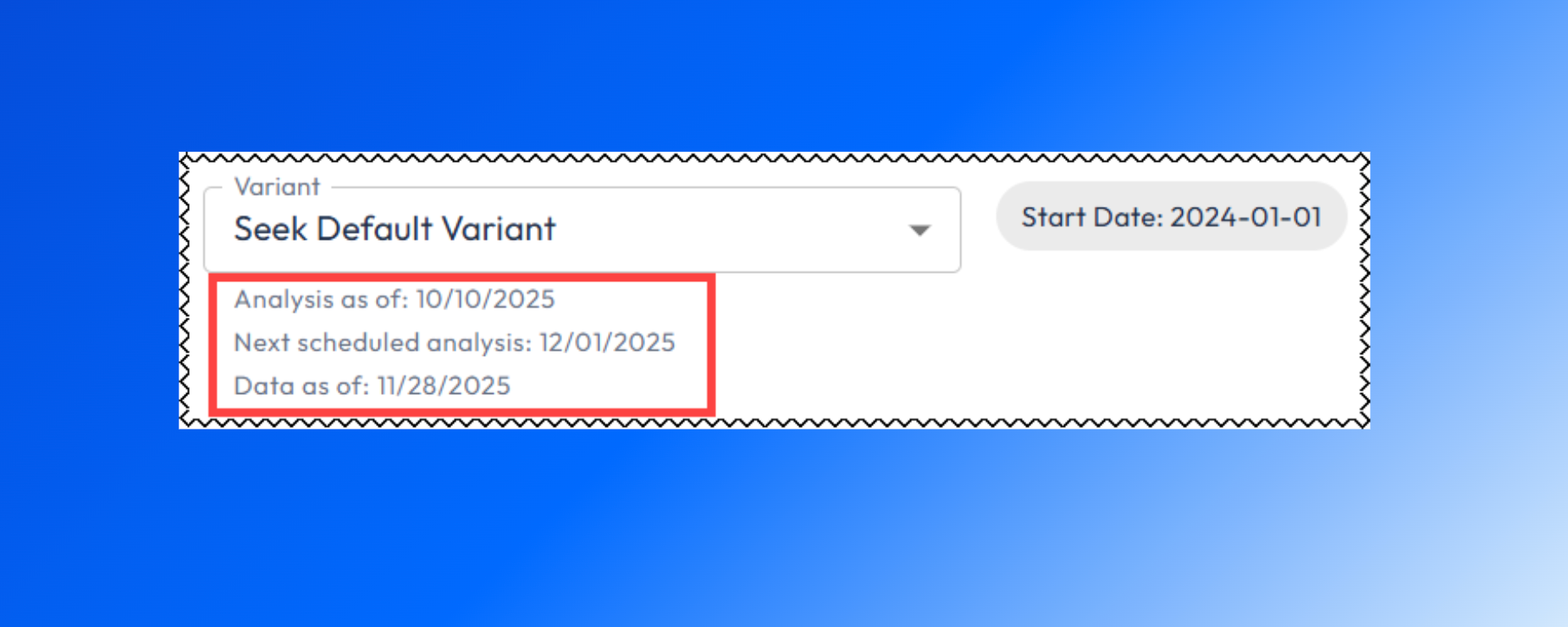
Data Freshness shows you:
When the app last ran its analysis
How recent the underlying source data is
When the next analysis is scheduled
Data Freshness fields explained
FAQ
Related Articles
Data — browse and inspect the datasets powering your apps
App Basics — what an app is and how it works